

NetBox
The full-featured, browser-based NetBox access control and event monitoring system is easy to install and use
The full-featured, browser-based NetBox access control and event monitoring system is easy to install and use
NetBox™ access control systems can scale to meet a range of deployment requirements.




NetBox access control systems are accessible from any device that can open a web browser, regardless of operating system. NetBox systems are flexible and work well with existing infrastructure and peripheral devices. There is no software to install, making deployment easy.
NetBox access control systems tightly integrate with LenelS2 NetVR™ and VRx™ video management systems, providing unified system management and administration. When used with the Magic Monitor® client, access events, video and live internet feeds are available from a single user interface to optimize situational awareness. Integration with third party video management systems is also supported.
NetBox systems provide features such as person record and cardholder management, event and alarm monitoring, threat level escalation and reporting.
An open source API allows NetBox systems to integrate with a variety of third-party products ranging from human resource databases to elevator systems and HVAC controls.
The LenelS2 HelpBot is now available! Using AI-enabled natural language search capabilities and an extensive database of NetBox documentation, the LenelS2 HelpBot offers prompt assistance accessible from web browsers on PC, cell phones and tablets. Access the HelpBot for NetBox using your Honeywell MyBuildings Portal account credentials here and clicking on Honeywell HBT Login.
| SIZE | ||
| NetBox Datasheet | 0.62MB |  |
| NetBox Version 6.4 Product Update | 3.05MB | |
| NetBox Version 6.2.1 Product Update | 0.98MB | |
| NetBox Version 6.2 Product Update | 1.85MB | |
| NetBox Version 6.0 Product Update | 0.59MB | |
| NetBox Version 5.6.2 Product Update | 1.01MB | |
| NetBox Version 5.6 Product Update | 1.07MB | |
| NetBox Global Version 4.0 | 0.79MB | |
| NetBox SUSP Overview | 0.63MB | |
| LenelS2 Access Control Application Blade Datasheet | 0.54MB | |
| Network Node Datasheet | 0.31MB | |
| LenelS2 Supervised Input Application Blade Datasheet | 0.56MB | |
| Network Node VR Datasheet | 1.06MB | |
| LenelS2 Temperature Input Application Blade Datasheet | 0.49MB | |
| MicroNode Plus Datasheet | 0.72MB | |
| LenelS2 Relayed Output Application Blade Datasheet | 0.56MB | |
| Magic Monitor Datasheet | 1.99MB | |
| Magic Monitor NetBox Datasheet | 1.52MB | |
| NetBox Extreme Datasheet | 0.55MB | |
| NetBox Enterprise Datasheet | 0.67MB | |
| NetBox Virtual Machine Datasheet | 0.55MB | |
| NetBox VR Quatro Datasheet | 1.10MB | |
| NetBox VRx Datasheet | 1.10MB | |
| NetBox VRx Quatro Datasheet | 1.03MB | |
| Mobile Security User Datasheet | 0.62MB | |
| Mobile Security Professional Datasheet | 1.47MB | |
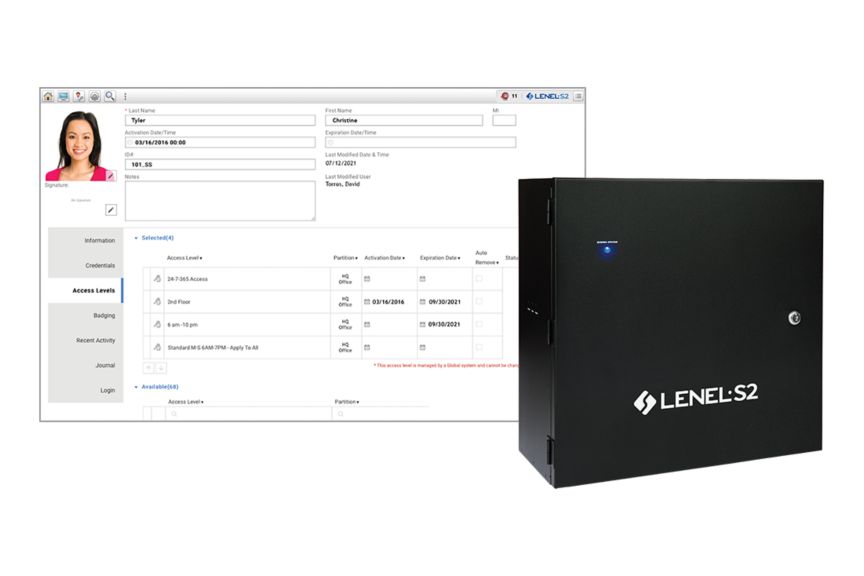
A powerful, all-in-one browser-based product, the NetBox™ access control and event monitoring system is designed for deployments with demanding security requirements.
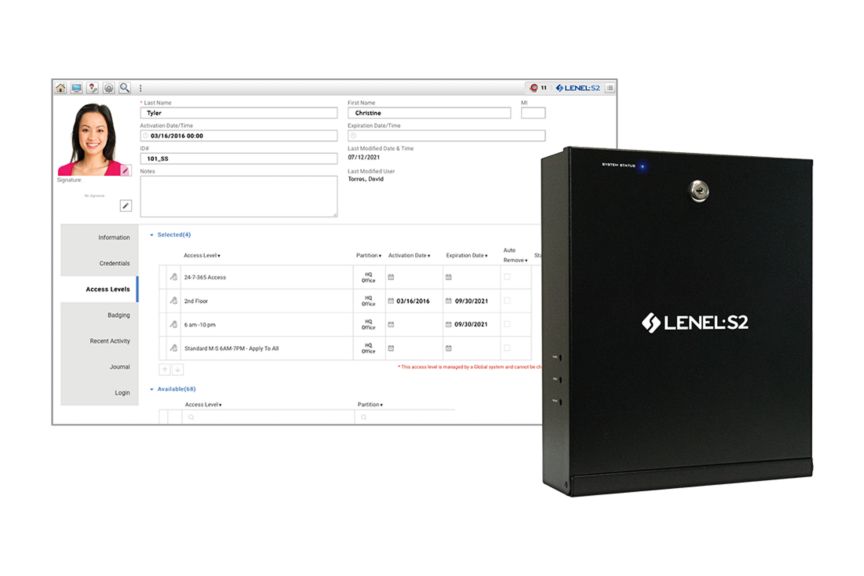
A browser-based access control and event monitoring system that supports up to 128 portals and system partitioning for field offices or tenants.
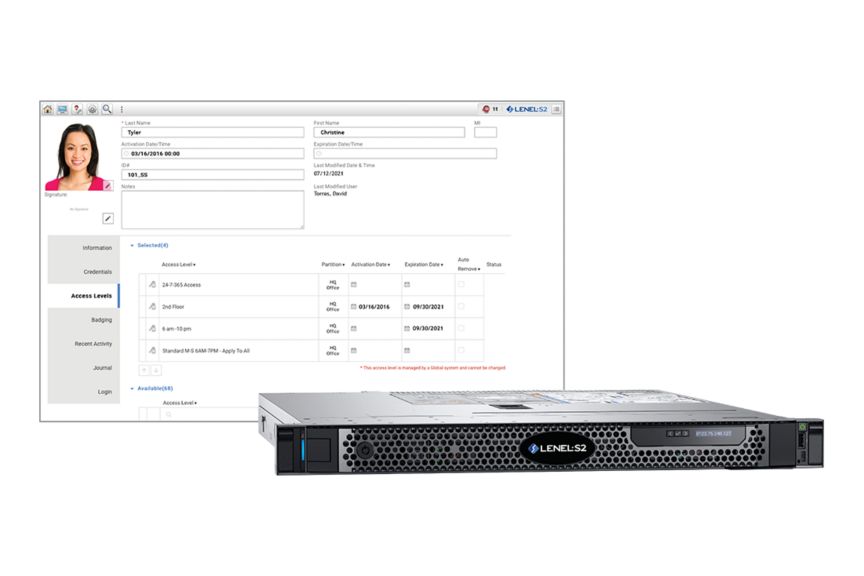
A powerful, browser-based access control and event monitoring system for large deployments with demanding security needs. It supports over 7,000 portals.
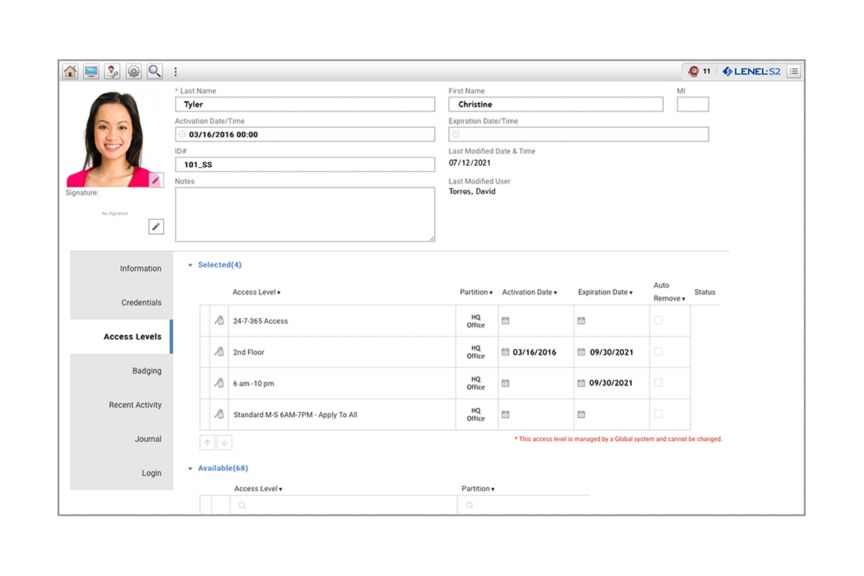
A virtualized, highly scalable system ideal for organizations that choose to implement access control and event monitoring on their preferred hardware.
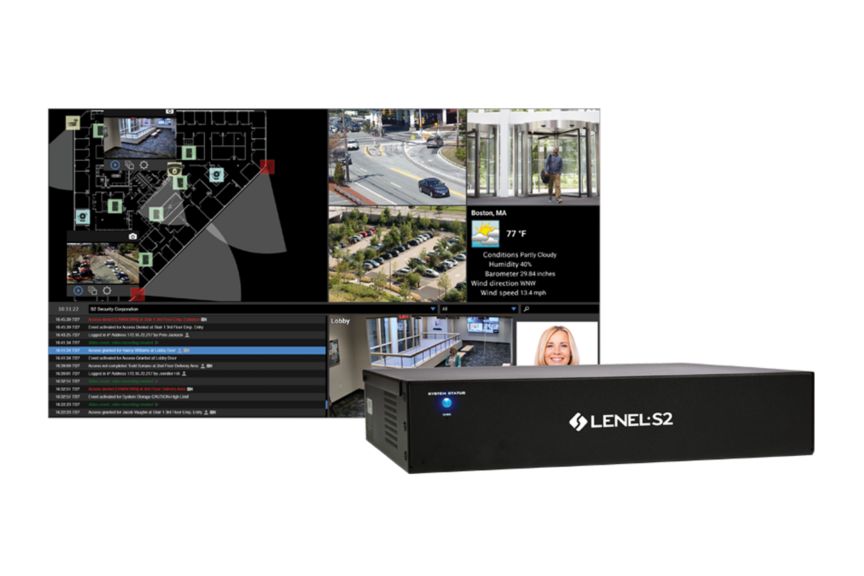
An all-in-one system that combines the NetBox access control and VRx video management systems and houses up to four LenelS2 application blades.
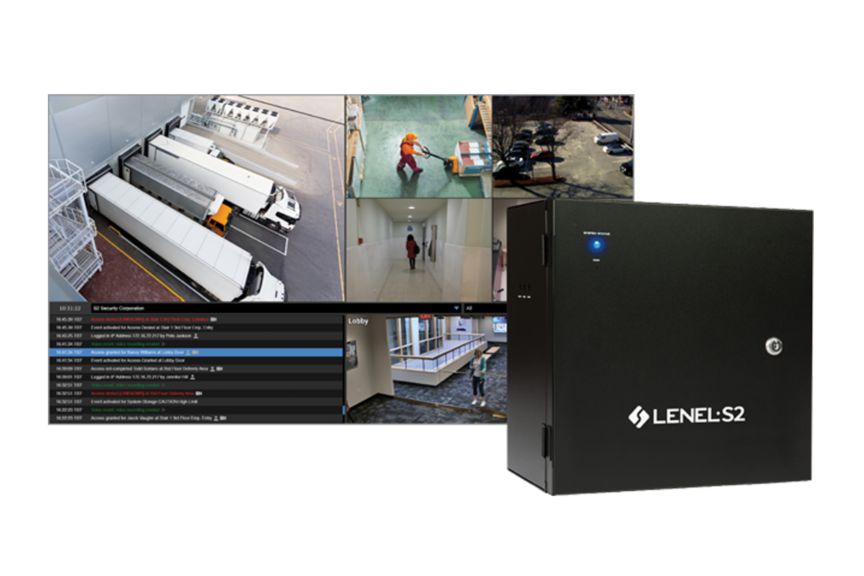
An all-in-one system that combines the NetBox access control and NetVR video management systems and houses up to four LenelS2 application blades.
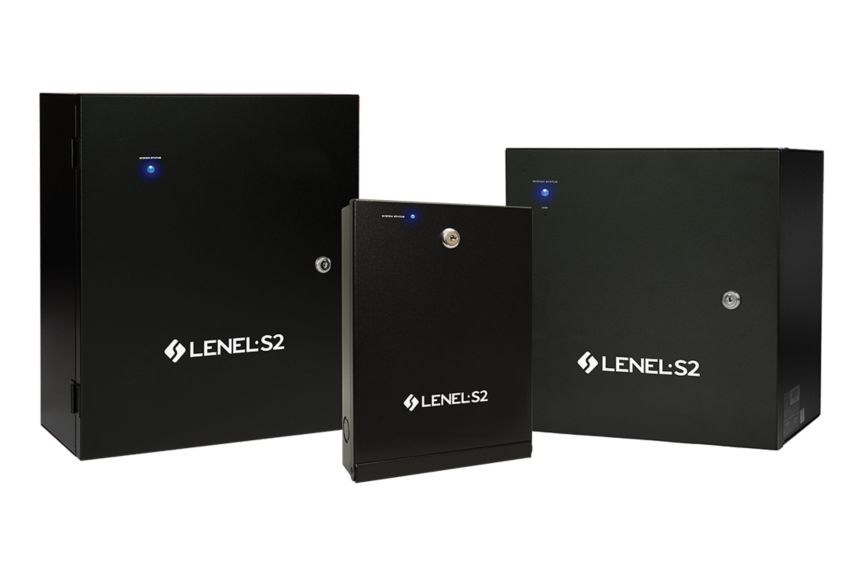
Flexible components of any NetBox™ system which handle distributed processing and connect various inputs, outputs and probes.
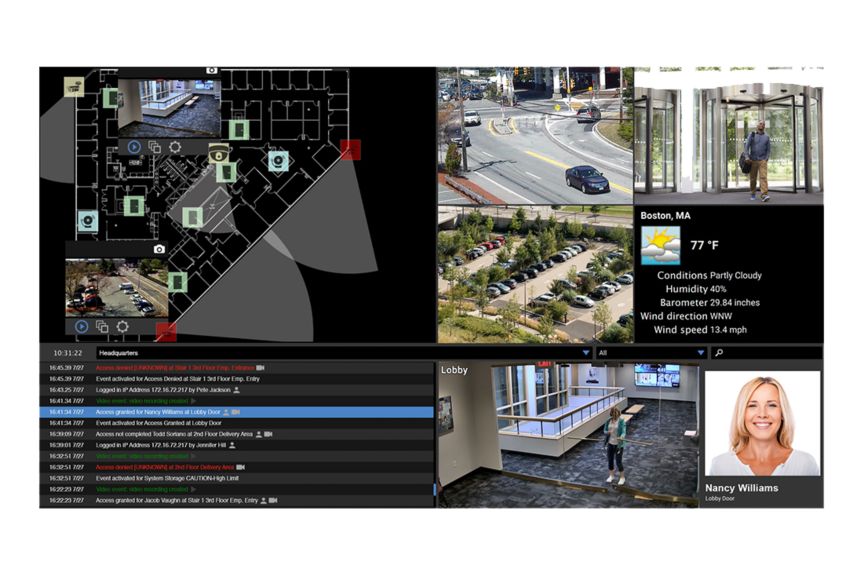
A unified client that brings access control, event monitoring, video surveillance and other digital media into a single user interface for the NetBox ecosystem.
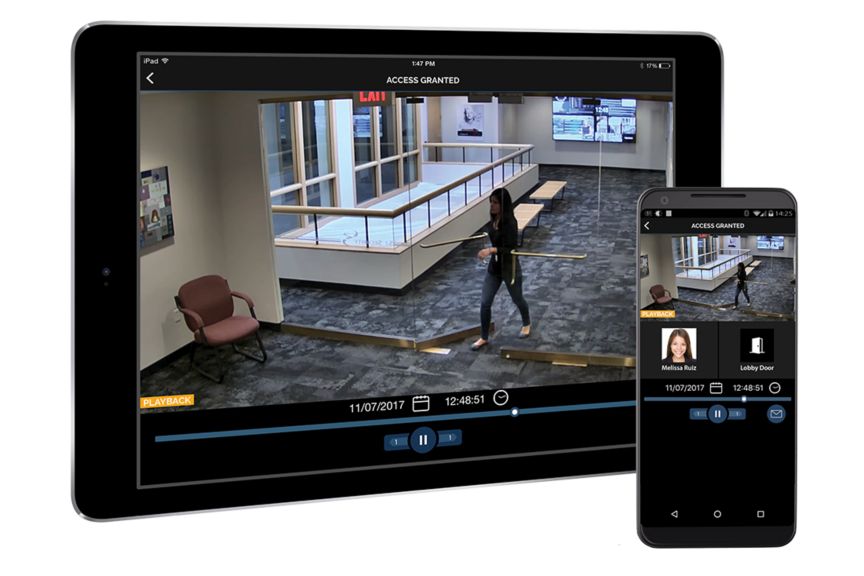
An app for iOS and Android devices that allows both management and staff to operate their NetBox access control and video management systems from anywhere.
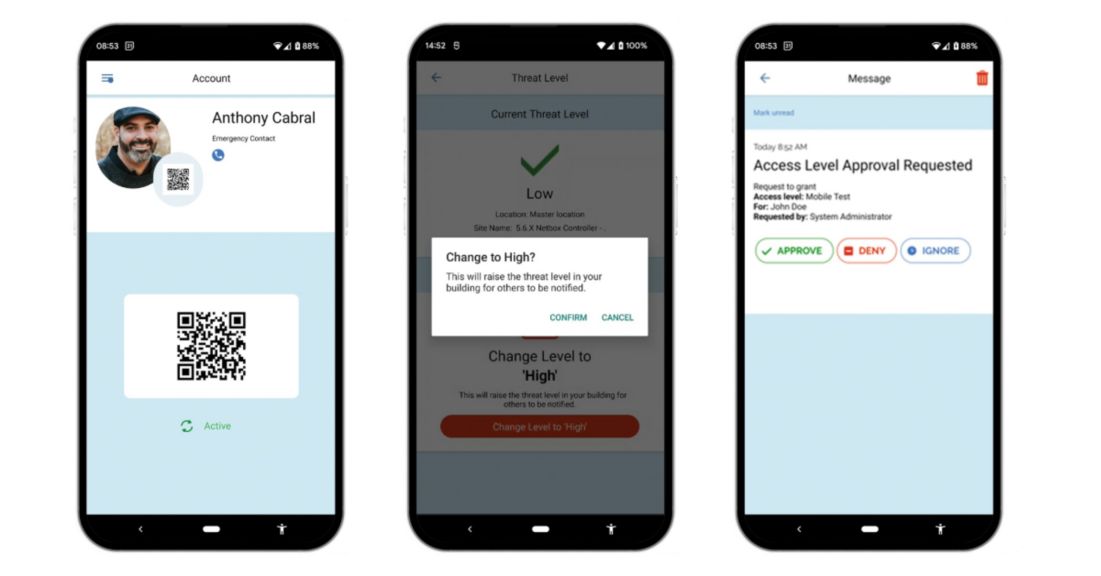
A mobile application that enhances safety and security, designed to be used by everyone in the enterprise.
A mobile application that enhances safety and security, designed to be used by everyone in the enterprise.
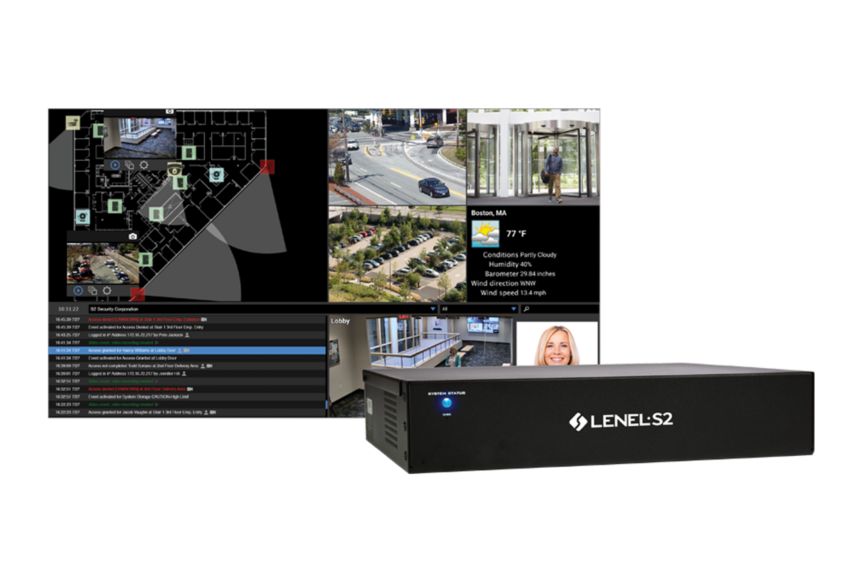
A converged, appliance-based system featuring a tightly integrated NetBox access control system and VRx video management solution.
An all-in-one system that combines the NetBox access control and VRx video management systems and houses up to four LenelS2 application blades.
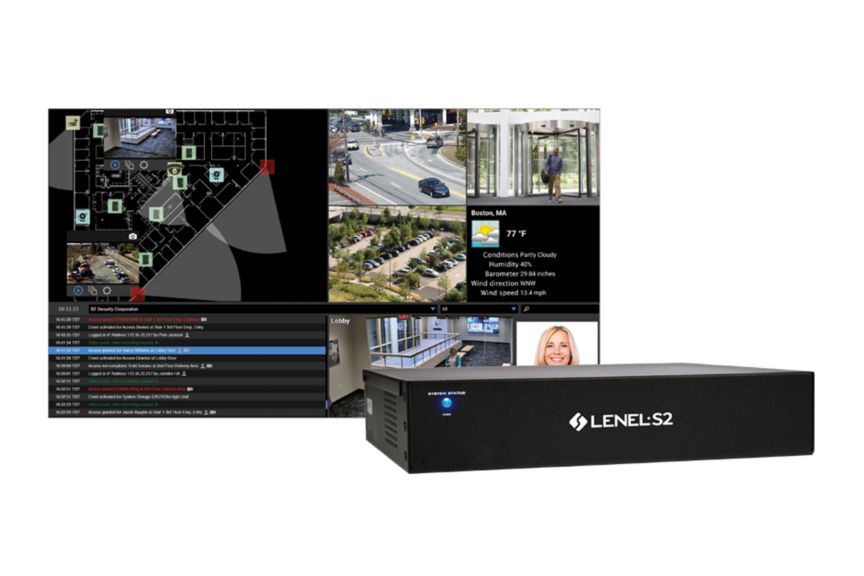
A converged system featuring a tightly integrated NetBox access control system and NetVR video management system.
An all-in-one system that combines the NetBox access control and NetVR video management systems and houses up to four LenelS2 application blades.
A unified client that brings access control, event monitoring, video surveillance and other digital media into a single user interface for the NetBox ecosystem.
An app for iOS and Android devices that allows both management and staff to operate their NetBox access control and video management systems from anywhere.
| NetBox | NetBox Extreme | NetBox Enterprise 50 | NetBox Enterprise 100 | |
| Access Control | ||||
| Simultaneous Users | 5 | 10 | 25 | 35 |
| Portal Capacity | 32 | 128 | 1,792 | 7,168 |
| LenelS2 Node Capacity | 32 | 64 | 128 | 512 |
| Photo ID Badge Production | ✓ | ✓ | ✓ | ✓ |
| Custom Reports | ✓ | ✓ | ✓ | ✓ |
| Person Data Audit Trail | ✓ | ✓ | ✓ | |
| Video Management System Integration | ||||
| VRx/NetVR Series | ✓ | ✓ | ✓ | ✓ |
| VRx/NetVR Capacity | 4 | 16 | 64 | 128 |
| VRx/NetVR Camera Capacity | 256 | 1,024 | 4,096 | 4,096 |
| Concurrent LenelS2 Client Connections (NetBox, Magic Monitor, Mobile Security Professional) | 5 | 10 | 25 | 35 |
| Third-Party Video Management Systems (VMS) | ✓ | ✓ | ✓ | ✓ |
| Third-Party VMS Camera Capacity | 32 | 256 | 1,024 | 1,024 |
| Other Integrations | ||||
| Intrusion Panels | ✓ | ✓ | ✓ | ✓ |
| Wireless Locksets | ✓ | ✓ | ✓ | ✓ |
| Mercury Panels | ✓ | ✓ | ✓ | ✓ |
| System | ||||
| Solid State | ✓ | ✓ | ✓ | ✓ |
| Partition Support | ✓ | ✓ | ✓ | |
| High Availability | ✓ | |||
| RAID Storage | RAID 1 | |||
| Mobile Device Support | ✓ | ✓ | ✓ | ✓ |
An access control system governs who can access a particular location or resource within a secured building, facility, or other limited-access environment. With an access control system like the LenelS2 NetBox system in place, your security team benefits from unified video management and intrusion alarms. Additionally, the data from building and business systems also integrates into a single user interface, enhancing overall security, safety, and efficiency.
Access control is used to mitigate security risk and prevent unauthorized access to a location or resource. With a robust security solution like the LenelS2 NetBox system, security teams can also monitor events and alarms in real-time through a sophisticated video management system.
In a physical environment, credentials from an individual seeking access are presented to a reader, which then transmits the credentials electronically to a control panel. The control panel compares the presented credentials against the authorized credentials stored in the system’s database. If the credentials match, the control panel will then unlock a door, gate, or other physical barrier to allow entry into the desired location.